How to Withdraw Funds from Bleep!
Bleep! allows you to withdraw your earnings in multiple assets, including ckBTC, BTC, and, very soon, SOL. This guide explains how to withdraw using the ICP network (via Plug Wallet), which is currently the most flexible option for users who want to avoid the 50k Sats minimum required for direct BTC withdrawals.Minimum Withdrawal Requirements
- BTC (direct): 50,000 sats
- ckBTC: None
Recommended Method: Using Plug Wallet (ICP Network)
Step 1: Create a Plug Wallet
- Download the Plug Wallet browser extension (recommended) or mobile app.
- Create and back up your wallet securely.
Step 2: Get Your ICP Principal ID
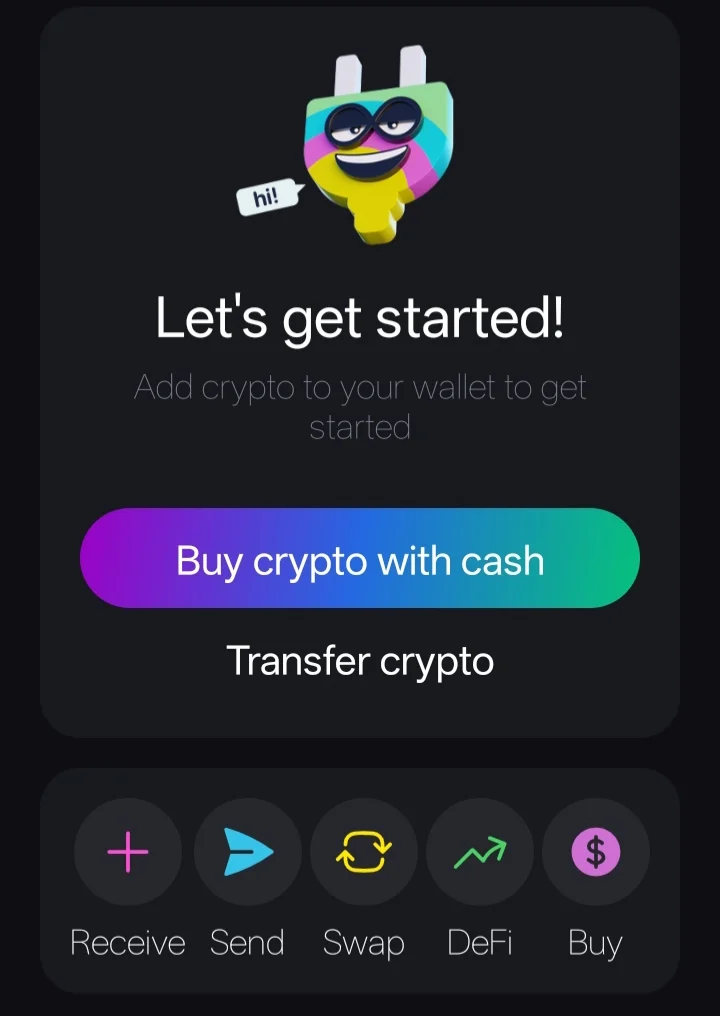
- Open Plug Wallet.
- Go to Receive.
- Copy your ICP Principal ID (not the Account ID).
Step 3: Set Withdrawal Address in Bleep!
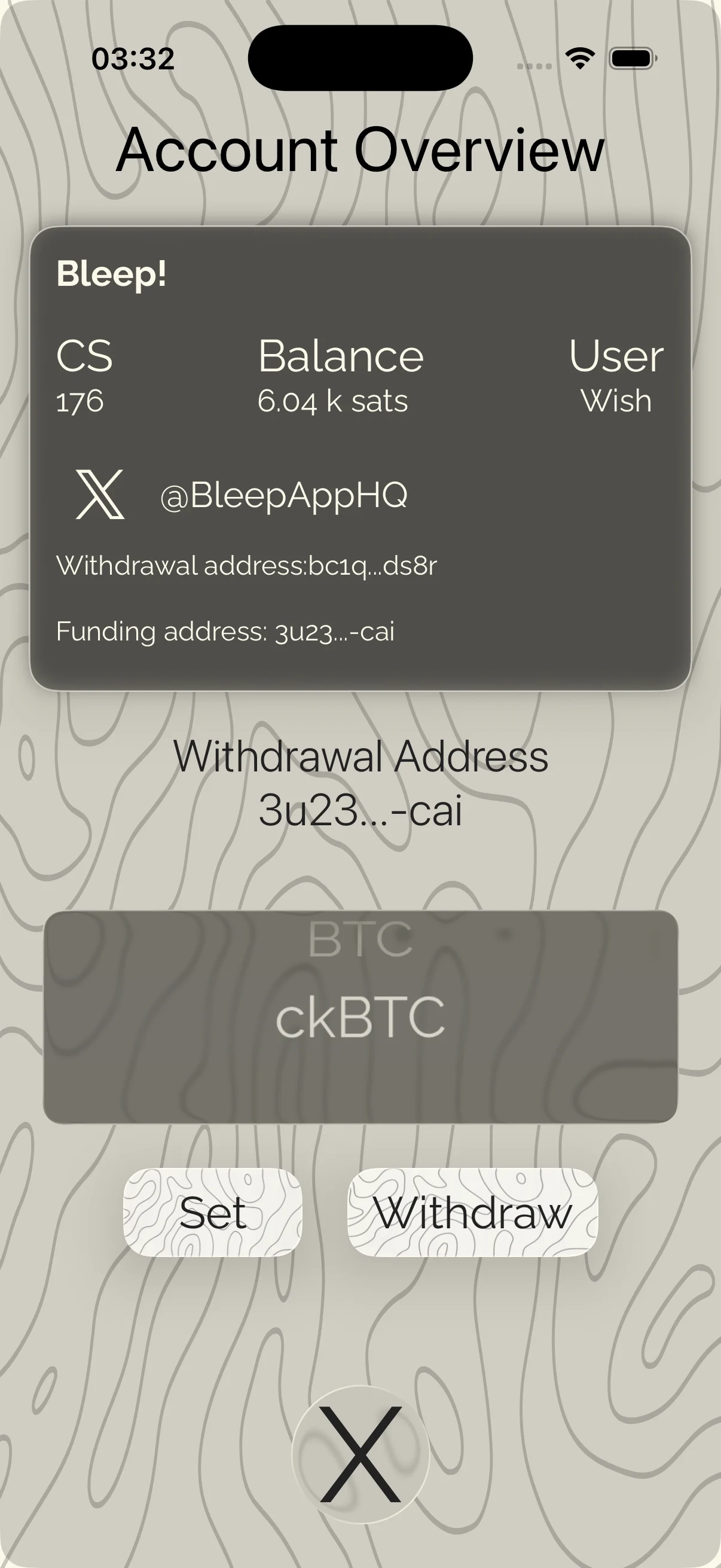
- Open Bleep! App.
- Go to your Profile.
- Set your Plug Wallet Principal ID as the withdrawal address for ckBTC.
Step 4: Make a Withdrawal
- Ensure you have sufficient Sats for withdrawal fees (15 Sats)
- Initiate withdrawal to your set address.
- Confirm the transaction.
Step 5: Swap ckBTC to ICP (in Plug Wallet)
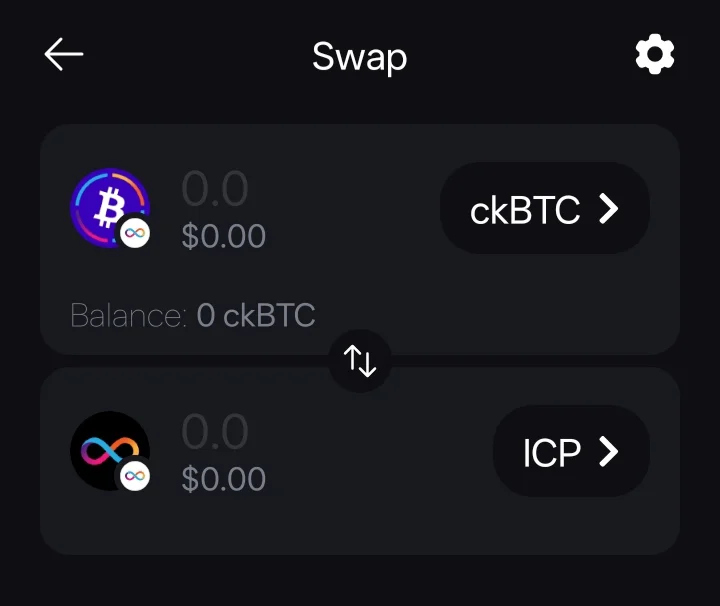
- Open Plug Wallet.
- Go to Swap.
- Swap from ckBTC → ICP.
Step 6: Send ICP to a CEX
- On your preferred centralized exchange (e.g., Bybit, Binance, etc.), generate an ICP deposit address.
- From Plug Wallet, withdraw your ICP to the CEX address.
- Once received, trade ICP for SOL, USDT, or your preferred asset.
- Withdraw to fiat via P2P, bank transfer, or your preferred method.
Important Notes
- Always double-check addresses before withdrawing.
- Withdrawal fees apply on both Bleep! and external networks.
- Direct BTC withdrawals (when you reach 50k Sats) are simpler but have a higher minimum.
- SOL withdrawals will soon be supported directly.