Quick Start Guide
1. Connect & Create Account
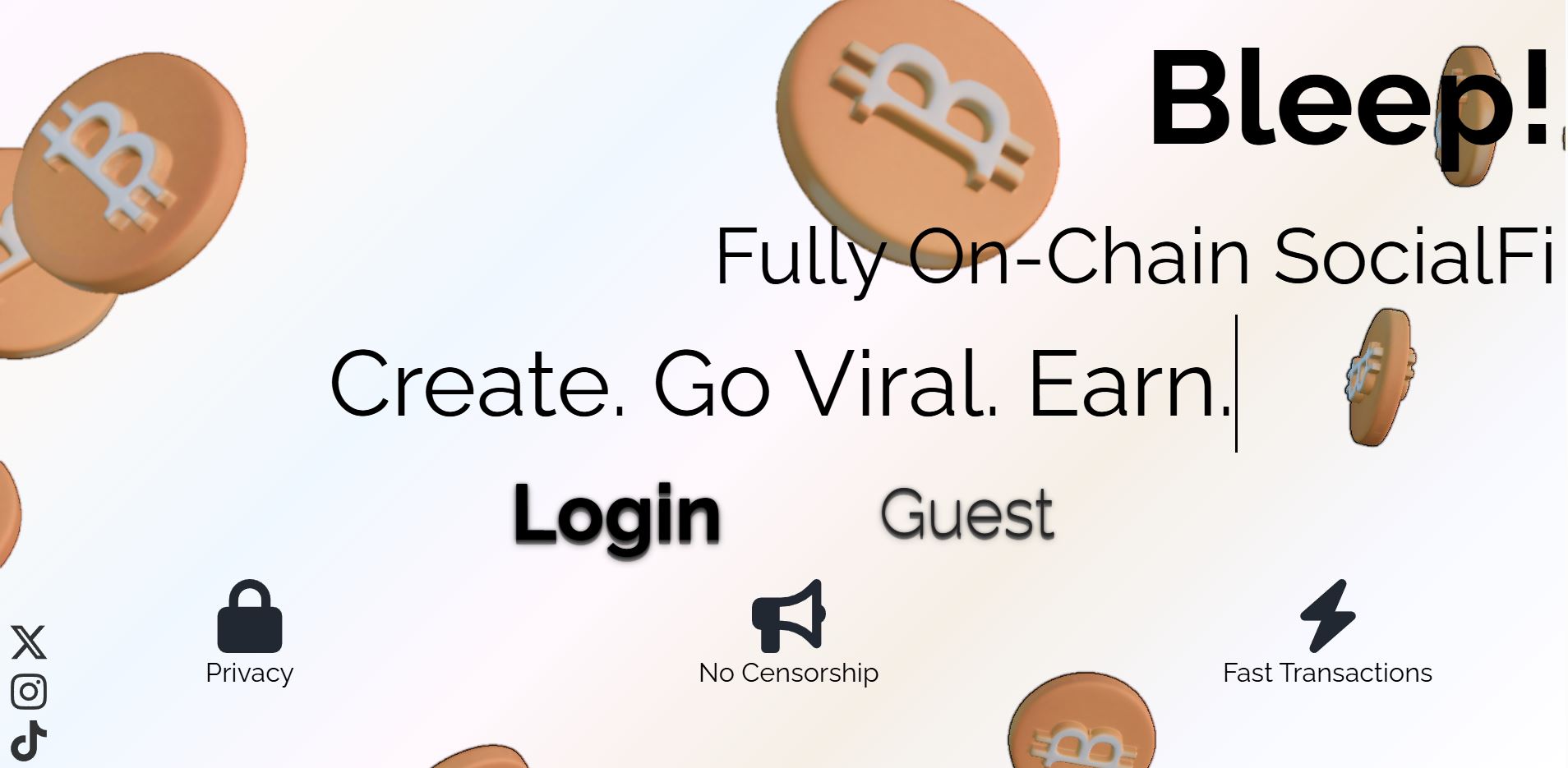
- Visit https://bleepapp.org.
- Accept terms → Click Login → Select sign-in method.
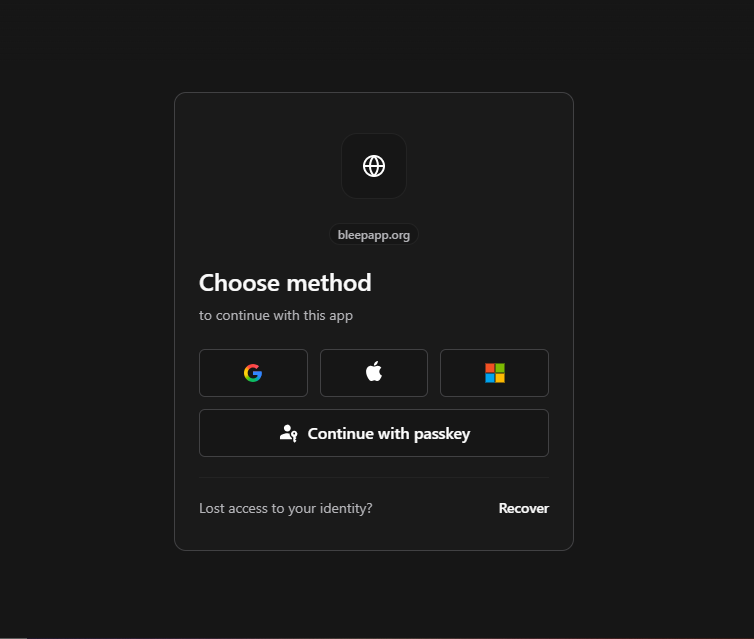
- Your account is created automatically, along with a custom canister that handles transactions.
- Continue to the homepage.
- Optional: Create an ICP-compatible wallet: OISY, Plug, Stoic, or NNS dApp.
Note: Creating an ICP wallet is optional. You can connect one later for advanced features, but funding works directly; send BTC on the Bitcoin network to your auto-generated BTC address, or ckBTC to your canister’s principal ID (visible in profile).
2. Set Up Profile
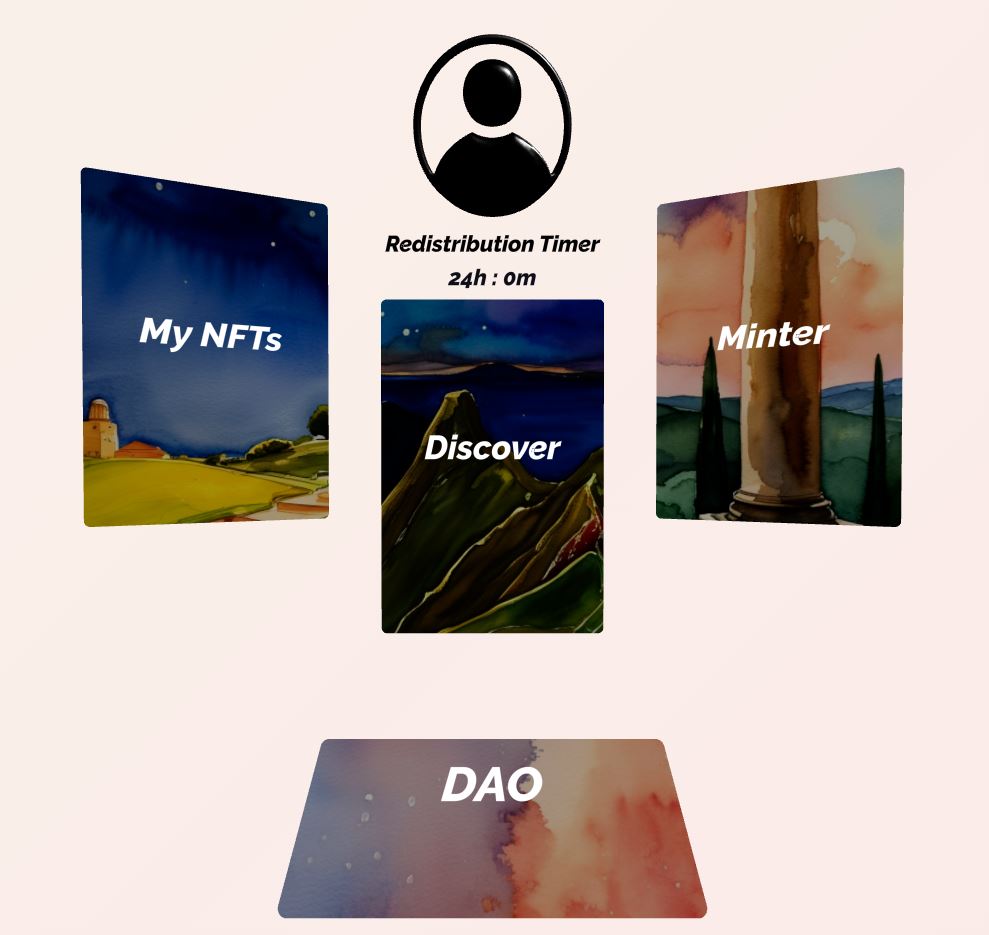
- Go to https://bleepapp.org/profile or click the button above the redistribution timer.
- Choose username.
- Add withdrawal address (BTC / ckBTC).
- Link social accounts (X, IG, TikTok) if desired.
- Your in-app BTC & ckBTC funding addresses are auto-generated (visible in profile).

3. Start Creating & Exploring
- Mint posts as NFTs (text, image, video) via the Minter gateway.
- Navigate the 3D spatial world (Discover).
- Interact: like, comment, buy, sell, trade.
- Build Clout Score through activity → earn daily passive BTC/ckBTC rewards via fee redistribution.
4. Earn & Manage Funds
- Sell your NFTs.
- Receive daily redistribution from platform fees.
- Deposit BTC → auto-converts to ckBTC for instant use.
- Withdraw earnings anytime (BTC or ckBTC).
Need help? Join our Discord.